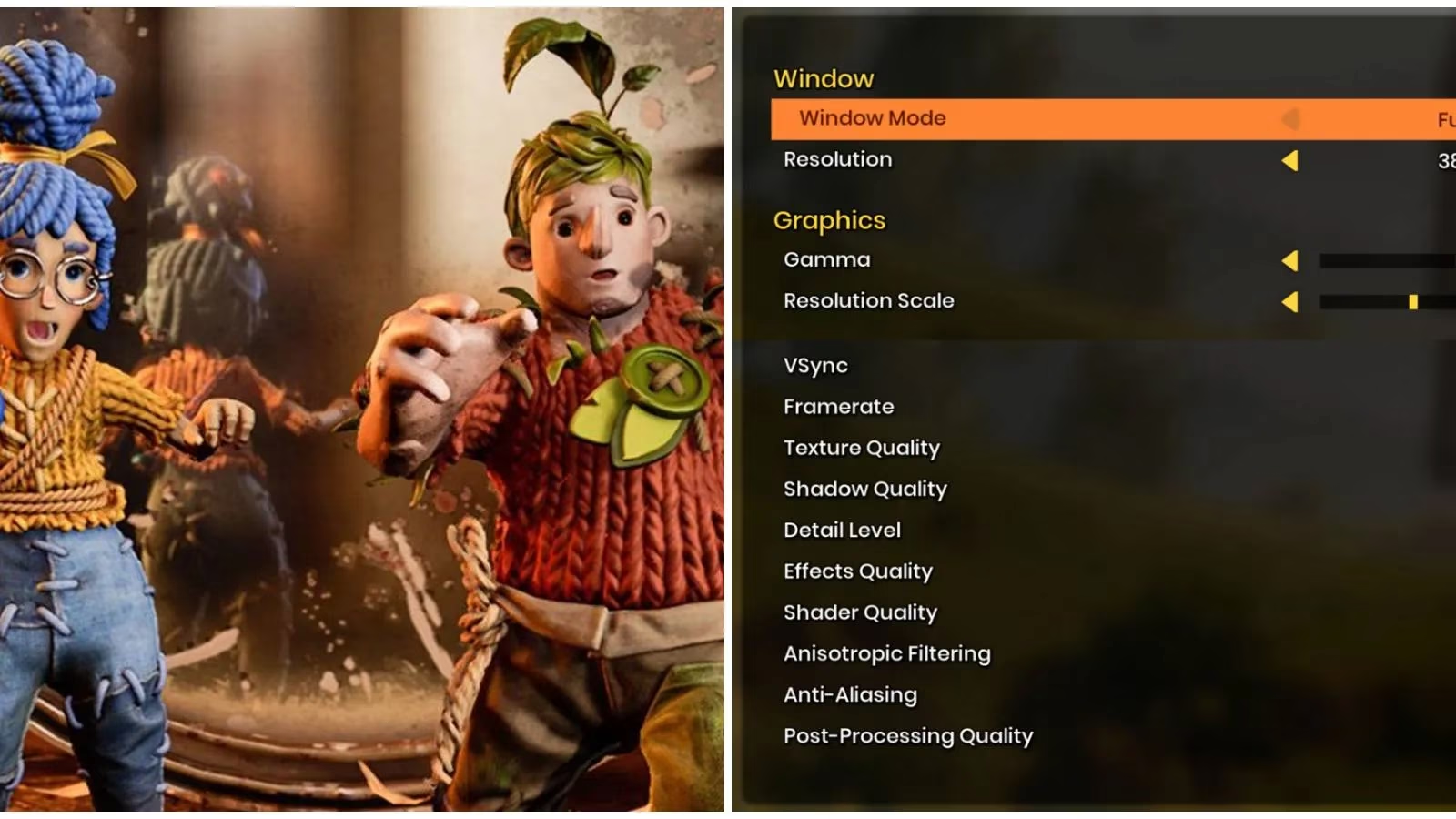
It’s 2026, and while most of my friends have moved on to shiny new hardware, I’m still clinging to a trusty gaming rig that’s seen better days. I recently dove back into It Takes Two – that glorious co-op masterpiece from Hazelight – to introduce my partner to its chaotic charm. But within minutes, I was reminded why I’d shelved it: stuttering, frame dips, and a general sluggishness that made our virtual date feel more like a stop-motion nightmare. I knew the game wasn’t an open-world monster, so why was my PC struggling? After some determined tinkering, I found a sweet spot of settings that resurrected the experience. Here’s exactly what I did, straight from my own trial-and-error session.
V-Sync: The Polarizing Gatekeeper
First up is V-Sync, a setting I’ve learned to both love and hate. In It Takes Two, it’s a classic double-edged sword. V-Sync synchronizes the game’s frame output with my monitor’s refresh rate, which sounds great because it eliminates screen tearing – those ugly horizontal rips. But the cost is real: a small but noticeable frame drop (usually 1–3 FPS) and, more frustratingly, input lag. When I’m trying to coordinate a tricky platforming sequence with my co-op partner, even a split-second delay in mouse or controller response can spell disaster. I turned V-Sync off and never looked back. My monitor runs at 144Hz, but for this game, an uncapped framerate without the added lag was far more important. If you’re on a 60Hz display and tearing drives you mad, you can try Fast Sync or Adaptive Sync in your driver settings, but I advise keeping the in-game option disabled.
Resolution Scale: The Secret Weapon
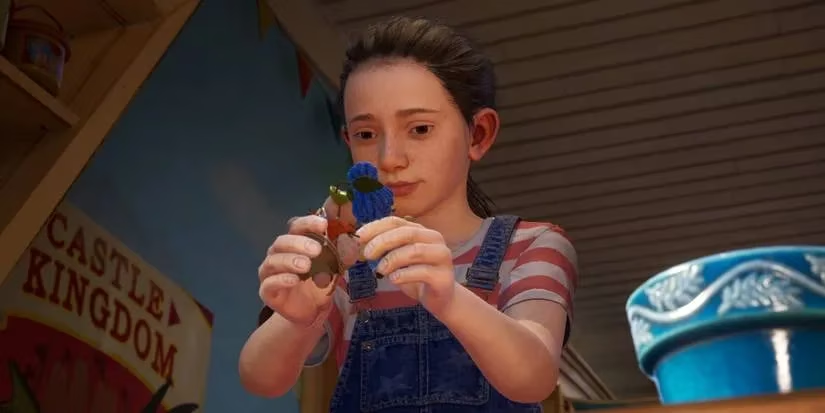
This setting was my revelation. By default, Resolution Scale sits at 100%, meaning the game renders at exactly your monitor’s native resolution. Push it higher, and the engine renders more pixels than your screen can show, then downscales for a sharper image – gorgeous, but a frame-rate killer. On my mid-range GPU, even 110% made boss fights stutter like crazy. I experimented with dropping it to 90%, and the performance gain was immediate, while the image stayed perfectly acceptable. If you’re on integrated graphics or a budget card from 2018, don’t fear going as low as 80%. The visual softness is a small price for being able to actually land the nail-hammering move on that wasp queen without missing the timing due to lag. Keeping this at 100% or slightly below is my top recommendation for anyone on older hardware.
Shadows and Shaders: The Silent FPS Eaters
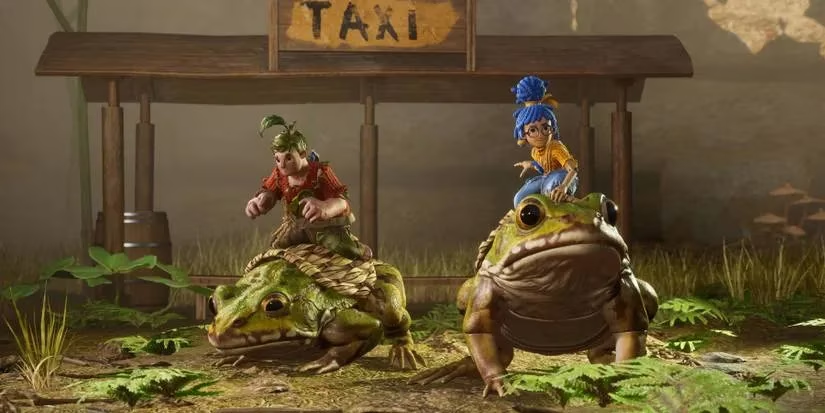
It Takes Two offers four presets: Low, Medium, High, and Ultra. In 2026, I’ve learned to treat “Ultra” as “for tomorrow’s hardware.” Shadow Quality is a prime example. Setting it to Ultra demands that every moving shadow, every dynamic light change, is rendered in high resolution. The result is beautiful, but during the frantic squirrel chase or inside the intricate clockwork towers, my framerate would plummet. I switched Shadows to High – the difference was minimal to my eyes, but the performance recovery was massive.
Shader Quality is equally guilt. Shaders govern how lifelike textures, wrinkles, and lighting appear. Turning it down to Medium made a surprising difference in stability without ruining the art style. My graphics card is from 2021, and it still struggled with ultra shaders; if your GPU is older than 2016, you’ll almost certainly want to keep shaders on Medium or even Low. The game’s whimsical charm survives just fine.
Anti-Aliasing: MSAA is the Devil
This surprised me: It Takes Two includes MSAA (Multisample Anti-Aliasing), an old-school tech that smooths out jagged edges by brute force. I tried 2x MSAA, and my frame time graph turned into a rollercoaster. MSAA is ridiculously demanding and can introduce its own stuttering. I immediately turned it off. The alternative is TAA (Temporal Anti-Aliasing), which the game also offers. TAA does a great job eliminating jaggies but often smears the image like a thin layer of Vaseline – not ideal when you’re searching for tiny interactable objects. I settled on FXAA, which blurs slightly but keeps texture detail much crisper and costs almost no performance. It’s the perfect middle ground for co-op clarity.
The Rest: Medium is the New Ultra
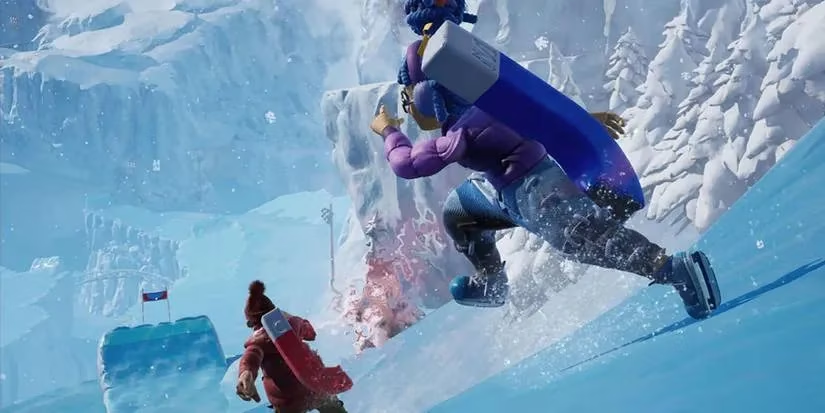
After tackling the heavy hitters, I put Texture Quality, Effects, and Post Processing all on Medium or High. The jump from High to Ultra is almost imperceptible during fast gameplay, but the performance cost is real. I kept Texture Quality on High – because blurry textures are genuinely immersion-breaking – but dropped Post Processing to Medium. Effects stayed at High. The result? A steady 60 FPS even during the most chaotic moments like the bull chase or the kaleidoscopic music levels.
Don’t Forget Overlays and Background Apps
Even after all my tweaks, I’d still get occasional micro-stutters. The culprit? Discord overlay. Steam overlay. Even some RGB control software was nibbling away at CPU cycles. I closed everything before launching the game. I even disabled the GeForce Experience overlay. It sounds paranoid, but when a game demands split-second timing for co-op puzzles, every frame counts. A clean system tray made the last 5% difference.
Final Thoughts
If you’re diving into It Takes Two in 2026 on hardware that’s not exactly cutting edge, don’t despair. This game is wonderfully scalable. By turning off V-Sync, dropping Resolution Scale to 90%, avoiding MSAA and Ultra shadows, and keeping the rest on Medium-High, I transformed an unplayable mess into the joyful co-op adventure it was meant to be. My partner and I just finished the moon baboon section, and not a single spike distracted us. Sometimes, the best gaming memories come not from the latest hardware, but from knowing exactly how to cajole a beloved old rig into delivering the experience it has no right to.
It Takes Two is available now on PC, PS4, PS5, Xbox One, and Xbox Series X/S.
The following breakdown is informed by coverage from CNET - Gaming, where performance-focused PC gaming advice often emphasizes practical fixes like disabling V-Sync to reduce latency, lowering internal resolution scaling to stabilize frame times, and trimming heavier options such as MSAA and Ultra shadows—exactly the kind of tuning that can turn It Takes Two from stuttery to smooth on older hardware.